
How to set up a proxy for Multilogin - Step-by-step instructions
Published
Jun 27th, 2026
Topic
Manual
Reading time
10 mins


Author
StableProxy
Definition of Multilogin
Multilogin is an efficient software solution, created for managing various online accounts simultaneously. This tool allows to create and switch between browser profiles, where each profile preserves its unique cookies, browser fingerprints and other identification data. Applying Multilogin makes it effortless to access multiple web platforms including social media, email services and other sites, avoiding the need for frequent logging in and out. This potent resource enhances your overall online experience by providing increased performance and privacy, making it the ideal addition for specialists, marketers, and users who need to manage multiple identifiers on the web.
Guide to setting up a proxy through Multilogin: Detailed instructions
To set up a proxy through Multilogin, follow these simple steps.
- Install and open the Multilogin application on your device.
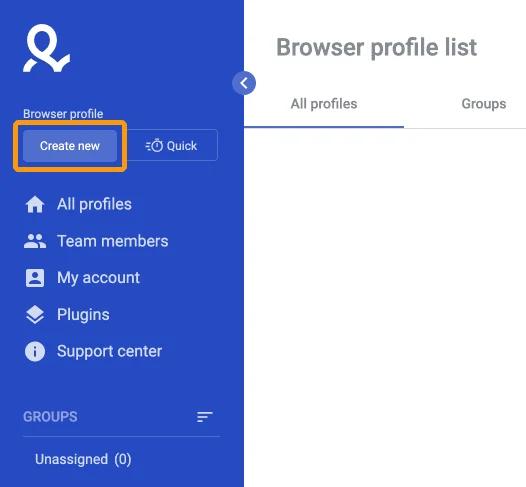
- In the "Browser Profile" field, select the "Create new" option.
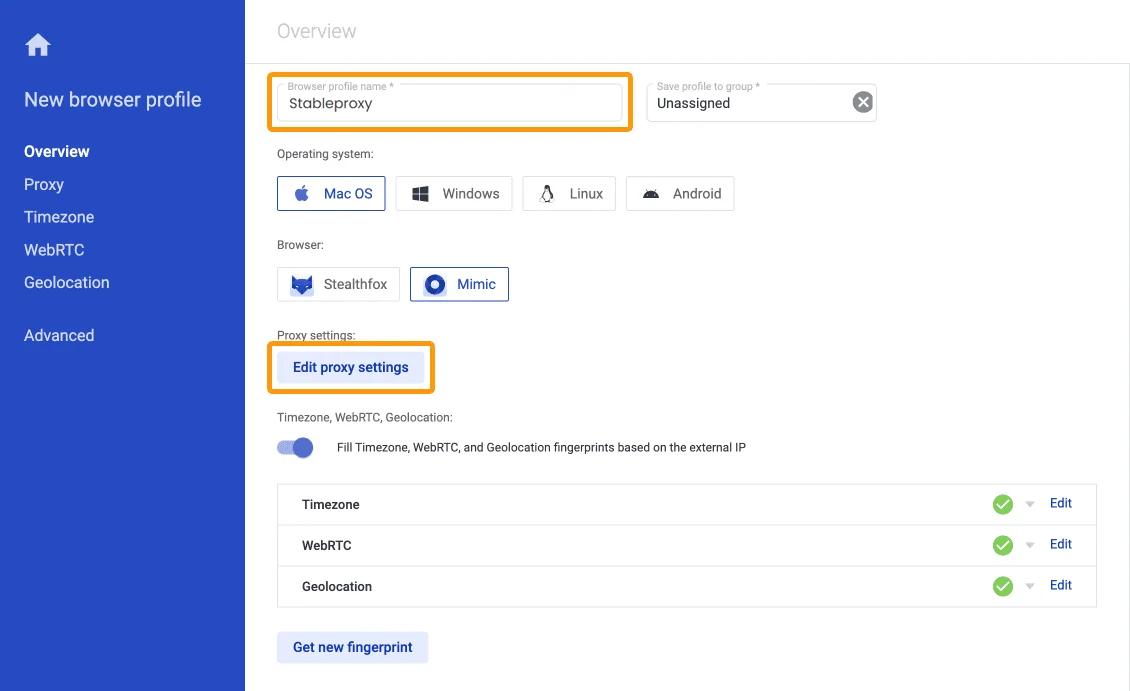
- In the next dialog box, specify the name of your browser profile (for example, Stableproxy) and select the "Configure Proxy" function.
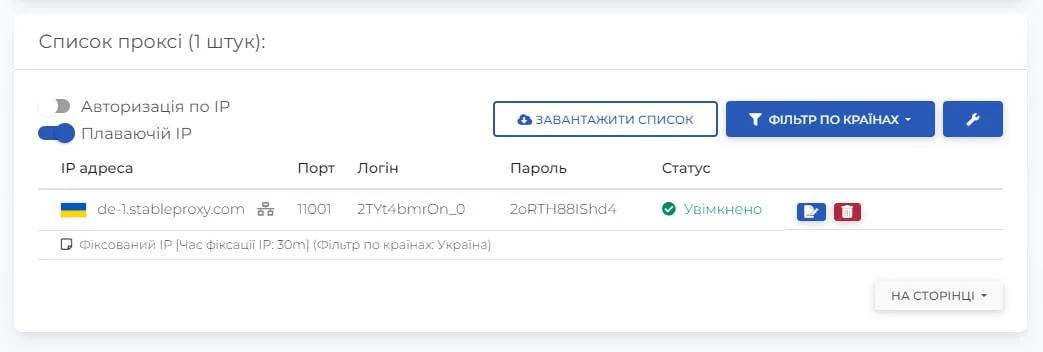
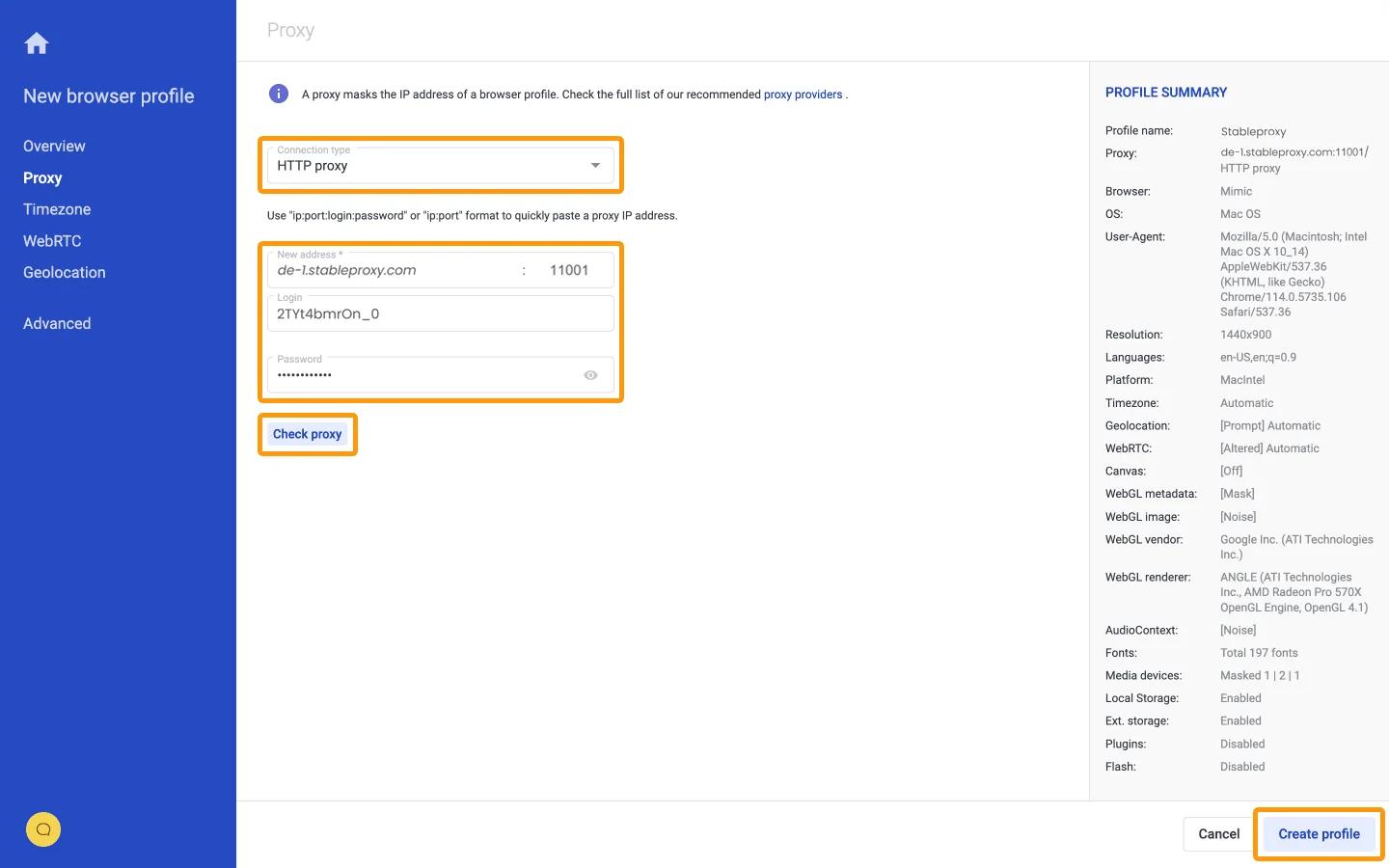
 Enter the proxy settings based on the data from the control panel.
- Click "Check Proxy" to check the proxy settings. With the correct settings, you will see the main IP. After that, click "Create Profile".
- Finish the setup by activating the process, clicking "Start".
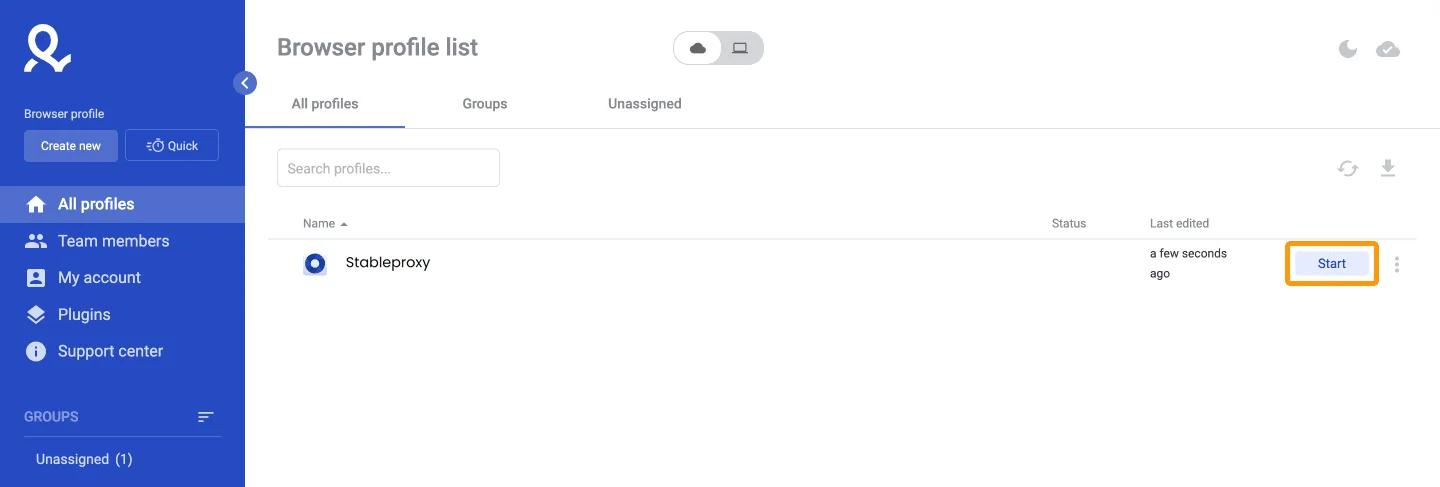
You did it! You have successfully set up proxy servers using Multilogin. Now with multiple browser profiles and proxy servers, you can securely and anonymously browse web pages, confidently concealing your online activity. Take advantage of the benefits of Multilogin to enhance the privacy and versatility of your web experience.


StableProxy.pl © 2023-2024